What UTM parameters are and how to pair them with short links so you know where customers come from
The same post goes out on Facebook, LINE and email. Which one drove the sales? If you cannot answer, you have not tagged the links. This explains the five UTM parameters, how to name them consistently, and why you should always shorten before sharing.
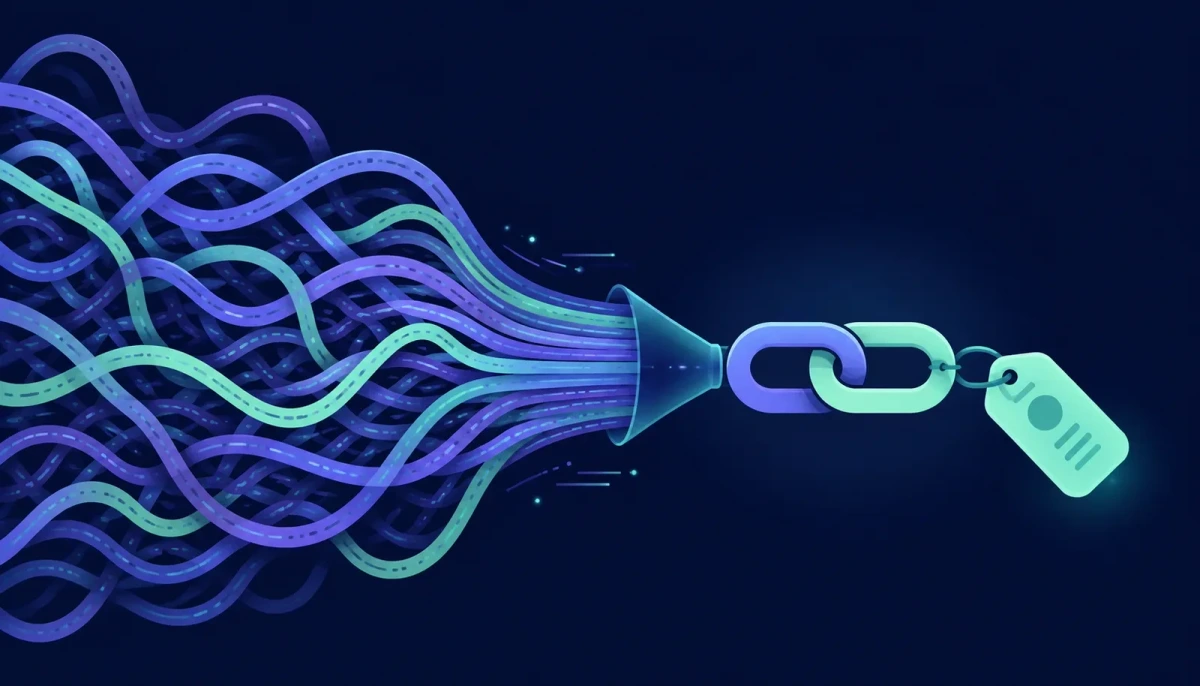
A link without UTM tags tells you that someone clicked, but not which post, which channel or which campaign sent them. When it is time to decide whether the budget goes to Facebook or LINE, you end up guessing. UTM tagging is the oldest fix and still the most effective one, and it takes under a minute per link.
What UTM parameters are
UTM parameters are extra fields appended to a URL that tell an analytics tool (Google Analytics, for example) where a visitor was sent from. For example:
`https://yourshop.com/promo?utm_source=facebook&utm_medium=social&utm_campaign=songkran2026`
The page that opens is exactly the same page. The parameters are simply recorded in the report: this visitor came from facebook, through the social channel, as part of the songkran2026 campaign.
The five parameters and what goes in them
- utm_source (required): where the traffic came from, such as facebook, line, google, newsletter
- utm_medium (required): the type of channel, such as social, email, cpc (paid clicks), qr
- utm_campaign (required): the campaign name, such as songkran2026 or launch-new-menu
- utm_content (optional): distinguishes variants within one campaign, such as banner-a versus banner-b, or post-morning versus post-evening
- utm_term (optional): the paid keyword, mainly for search ads
The first three cover most needs. The last two are for comparing creatives or keywords.
Naming rules that keep reports readable
The real problem with UTM is not adding it but adding it inconsistently. `Facebook`, `facebook` and `FB` show up as three separate sources. Rules the team should agree on from day one:
- 1Lowercase everything
- 2No spaces; use hyphens (new-menu, not new menu)
- 3utm_source is the platform's plain name, never an abbreviation (facebook, not fb)
- 4utm_campaign starts with the year or month so it sorts chronologically (2026-04-songkran)
- 5Log every link you create in one shared sheet so names never drift
Why tagged links should be shortened
A fully tagged link can run past a hundred characters. It looks messy in a post, gets truncated in a LINE message, and printed as a QR code it produces a dense pattern that is hard to scan. Shortening solves all three at once and adds something valuable: click statistics that do not depend on the destination's analytics.
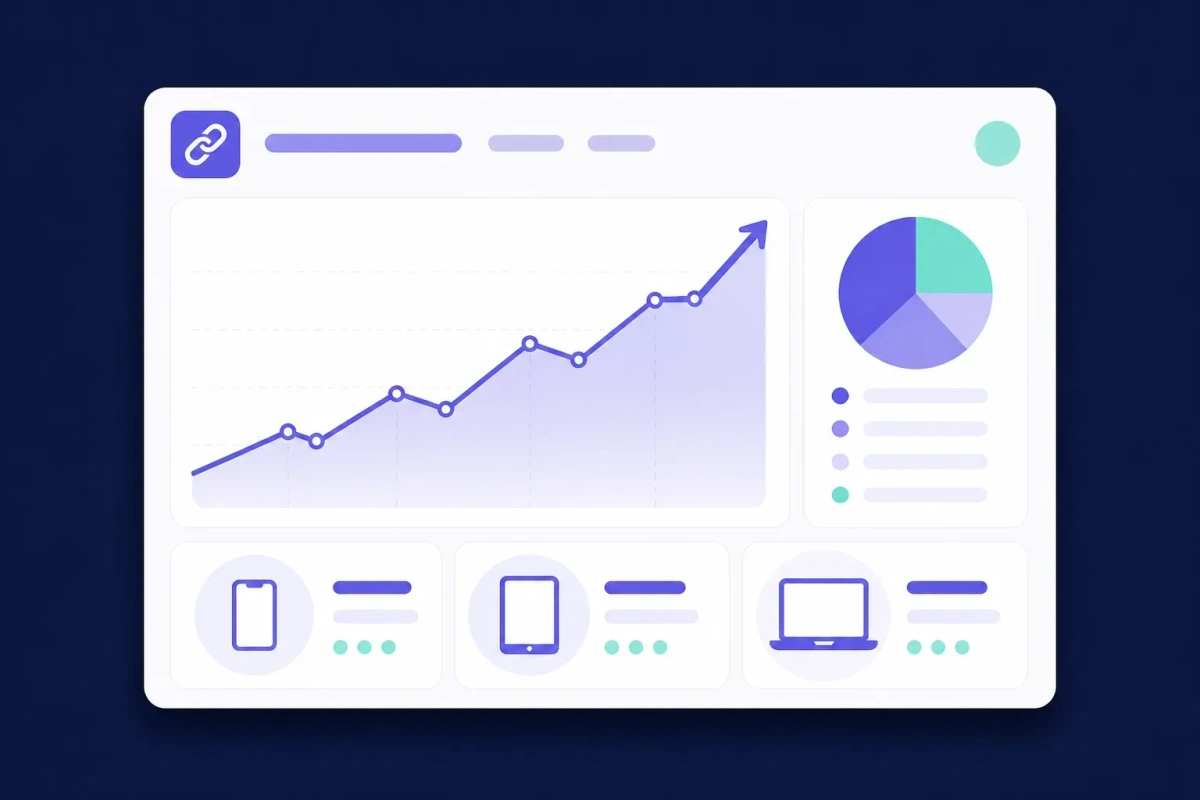
Shorten through a system that records statistics and you immediately see total and unique clicks, a daily chart, country, device, browser, referrer and the UTM values attached, per link, with bot clicks filtered out. That answers "did the morning or the evening post work better" without opening a complex report.
On the destination side the UTM parameters are passed through intact, so whatever analytics you have installed still records the source as usual. Two layers of data from one link.
The one-minute routine
- 1Open the UTM Builder, paste the destination URL, and fill in source, medium and campaign following your team's naming rules. If the URL already carries parameters they are replaced, not duplicated.
- 2Shorten it on the same page. Signed in, you can choose the alias yourself (for example /songkran-fb) and change the destination later.
- 3For print, generate a QR code from that short link; the pattern is far cleaner than one made from the long URL.
- 4Repeat with one link per channel. Never reuse one link everywhere, or you are back to not knowing the source.
For a large campaign with dozens of links, use the bulk shortener, which accepts up to 200 URLs at once.
What not to do
- Do not tag links inside your own site, such as menu buttons or home-page banners. They overwrite the visitor's real source and everyone appears to have come from that banner.
- Do not put personal data in UTM values, such as a customer's email or phone number. Parameters appear in the URL and are stored in several reports.
- Do not change the naming rules mid-campaign; the report splits into two halves that cannot be compared.
Tag correctly, shorten before sharing, and use one link per channel. Those three habits turn "it was probably Facebook" into a number you can budget on.